Press and brand
Logos, screenshots and ready-to-paste descriptions for articles, directory listings and link previews. Use any of it without asking. For anything else, write to hello@stayput.dev.
Logo








- Write the name as one word with a capital S: Stayput.
- Leave space around the logo at least half the width of the mark.
- Keep the colors and proportions as they are. For one-color print there is a single-ink pin.

- Stayput green
#1f6f5f - Green on dark
#4fb89f - Ink
#1b1f23 - Paper
#f7f5ef
Describing Stayput
One line
Free file tools that run in your browser. Nothing is uploaded.
Short
Stayput is 24 free, open-source image and PDF tools that run entirely in the browser: HEIC to JPG, image conversion, EXIF removal, PDF merge, split, compress and sign. Nothing is uploaded.
Paragraph
Stayput is a free, open-source toolkit for the file chores people search for every day: converting iPhone HEIC photos, converting, cropping and compressing images, removing location data from photos, and merging, splitting, compressing, rotating, reordering, signing and numbering PDFs. Every tool runs inside the browser tab using WebAssembly builds of well-known open-source libraries. There is no server doing the work, so files are never uploaded, there are no accounts, file limits or watermarks, and the site keeps working with the network off. The code is MIT-licensed on GitHub.
Facts
- Site
- stayput.dev
- Source code
- github.com/keenanlk/stayput, MIT license
- Tools
- 24 image and PDF tools, plus format-specific converters
- Price
- Free. No accounts, no ads, no paid tier, no file limits, no watermarks.
- Offline
- Works offline after the first visit and installs as an app.
- How
- A static site. The work happens in the browser with WebAssembly builds of libheif, pdf.js, pdf-lib and other open-source code.
- Analytics
- Self-hosted and cookie-free; never sees files or file names. Details on the privacy page.
- Launched
- 2026
- Contact
- hello@stayput.dev
Check the claim yourself
If you are writing about Stayput, please do not take "nothing is uploaded" on trust. Three ways to test it:
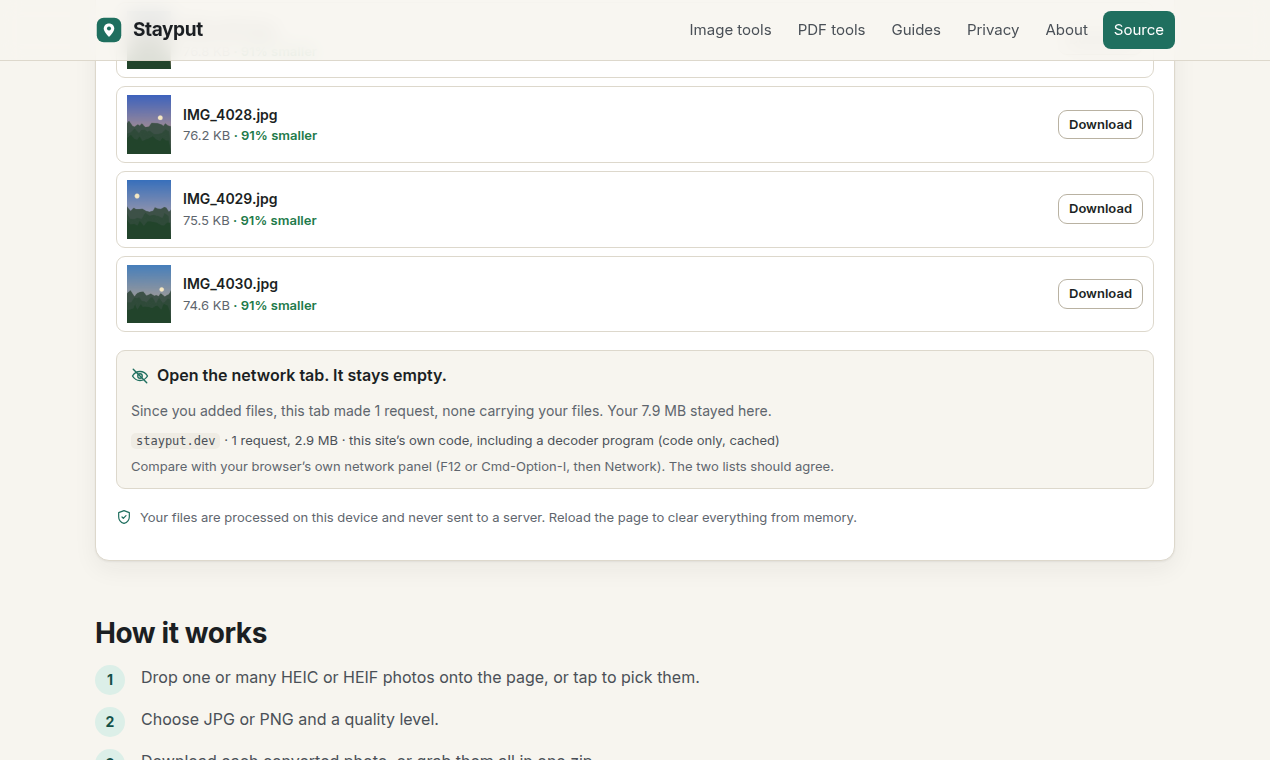
- Open your browser's developer tools on the Network tab and drop a file into any tool. The only requests are the page itself and, on some pages, a decoder program. None carries the file. Each tool page also lists its own requests after you add files.
- Load a tool, switch on airplane mode and keep using it.
- Read the Content-Security-Policy header the site sends. It lets pages connect only to the site itself and its own usage counter, so a file has nowhere else to go.
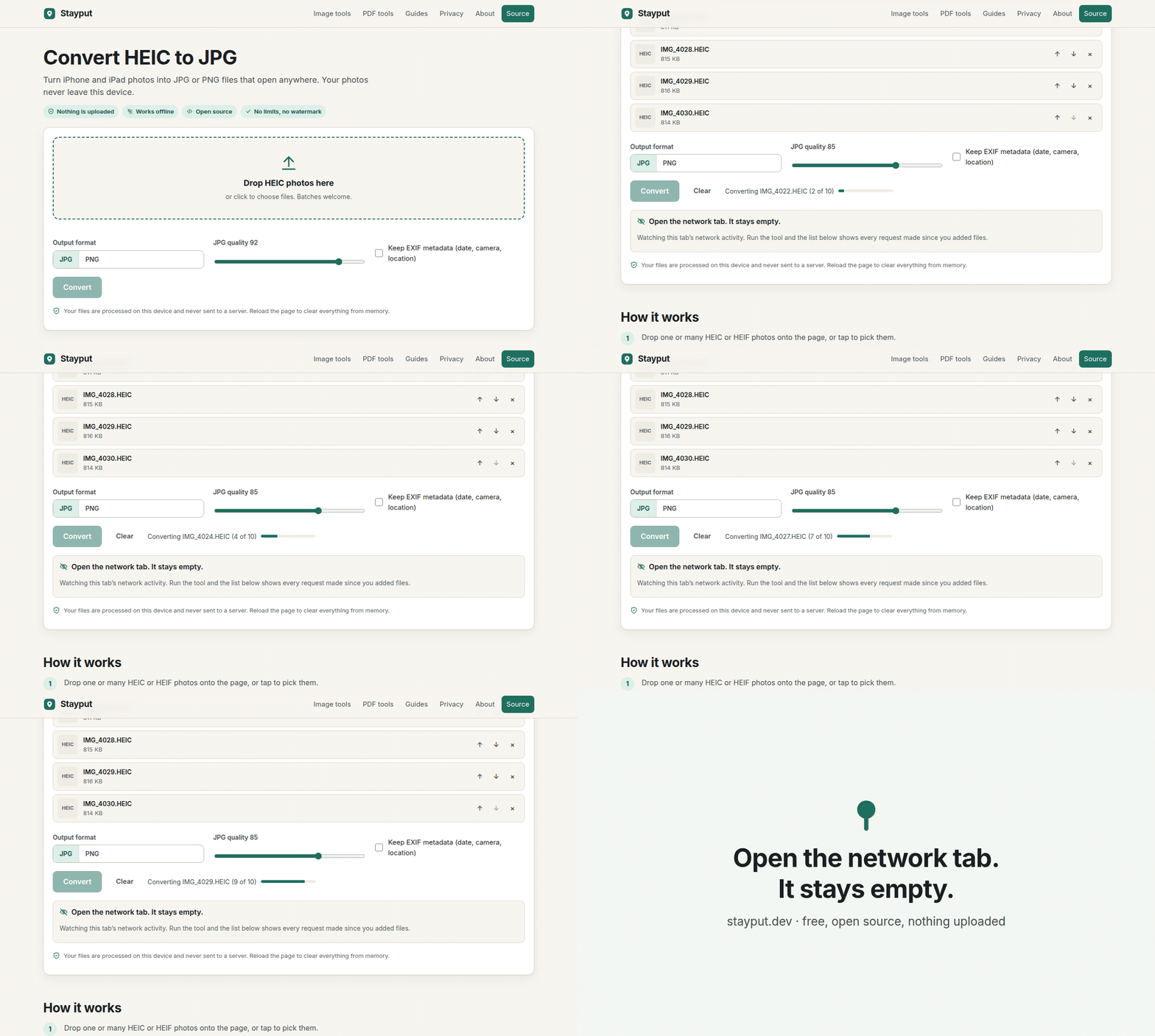
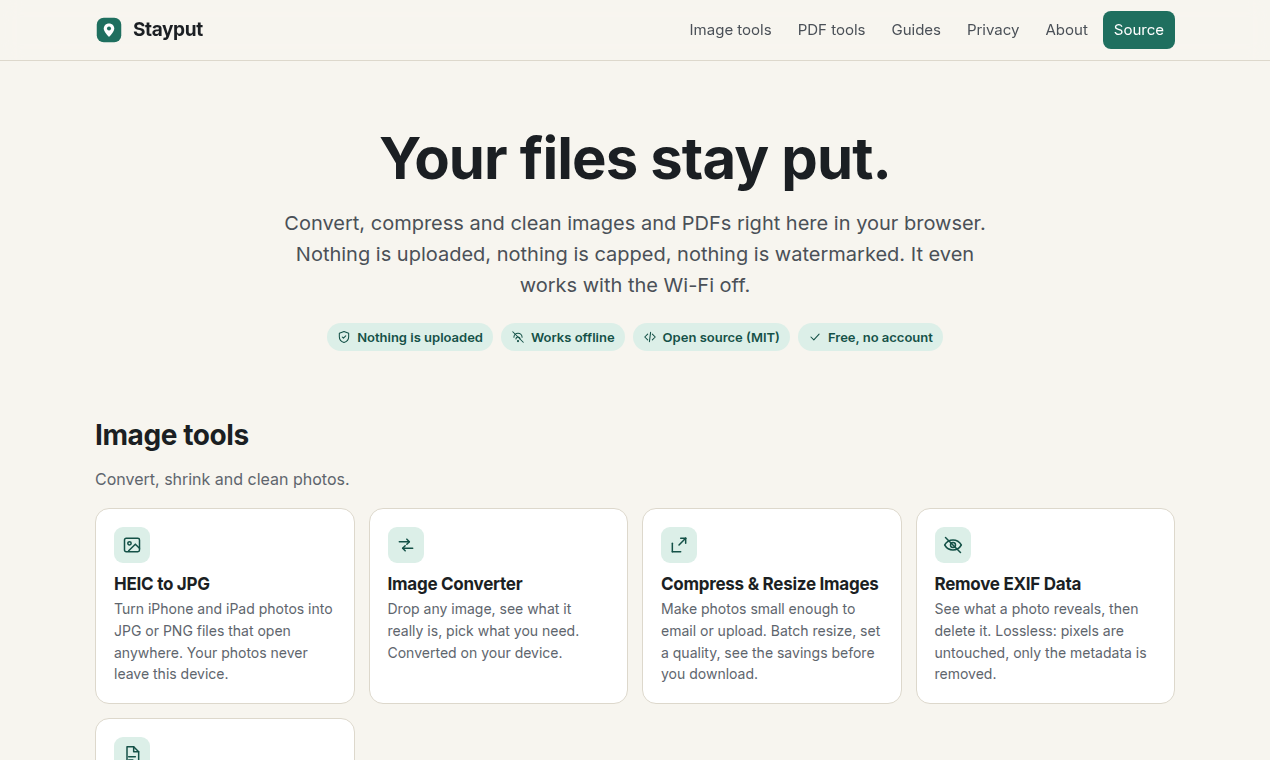
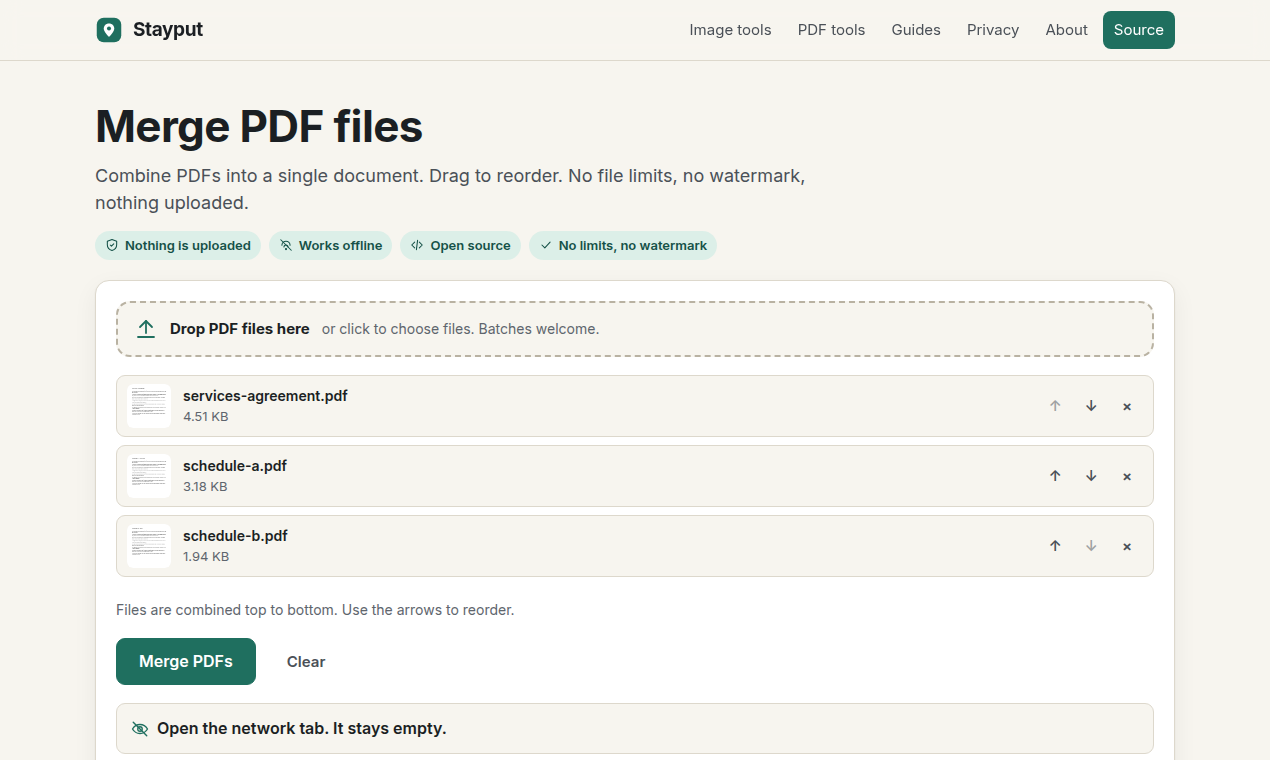
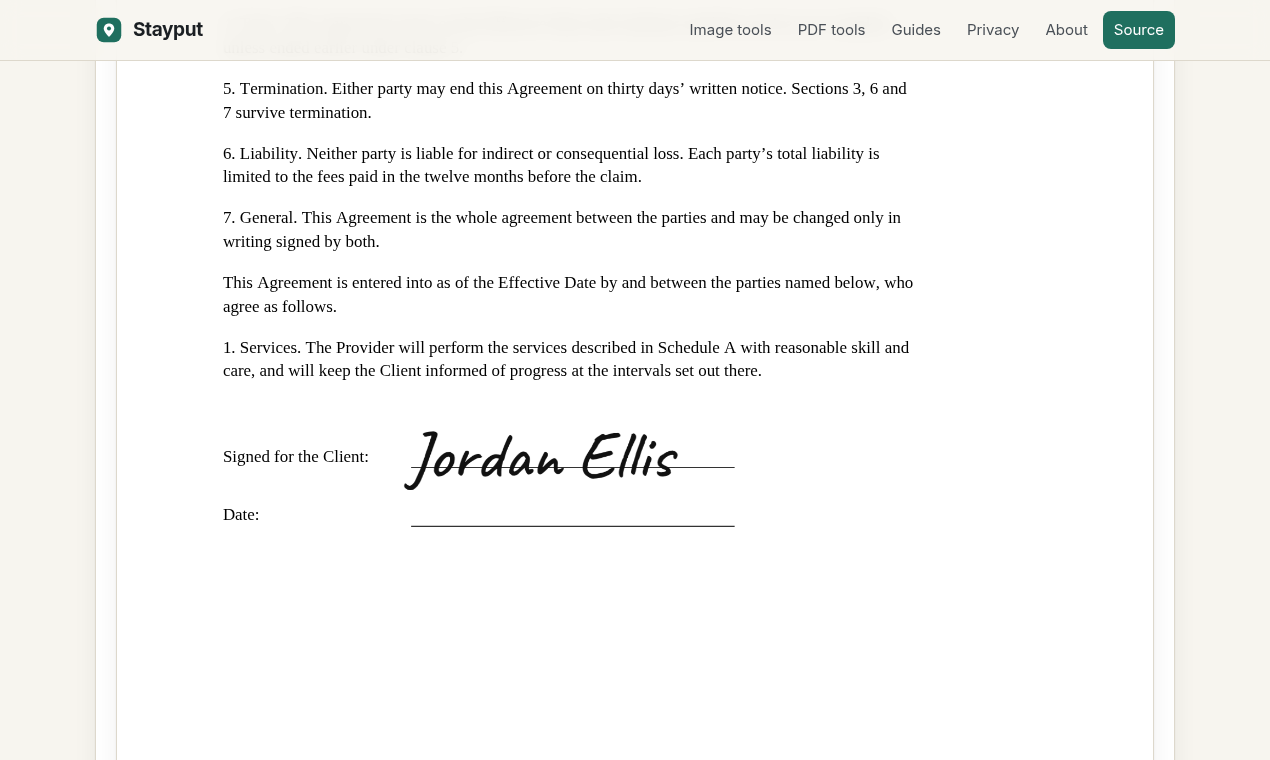
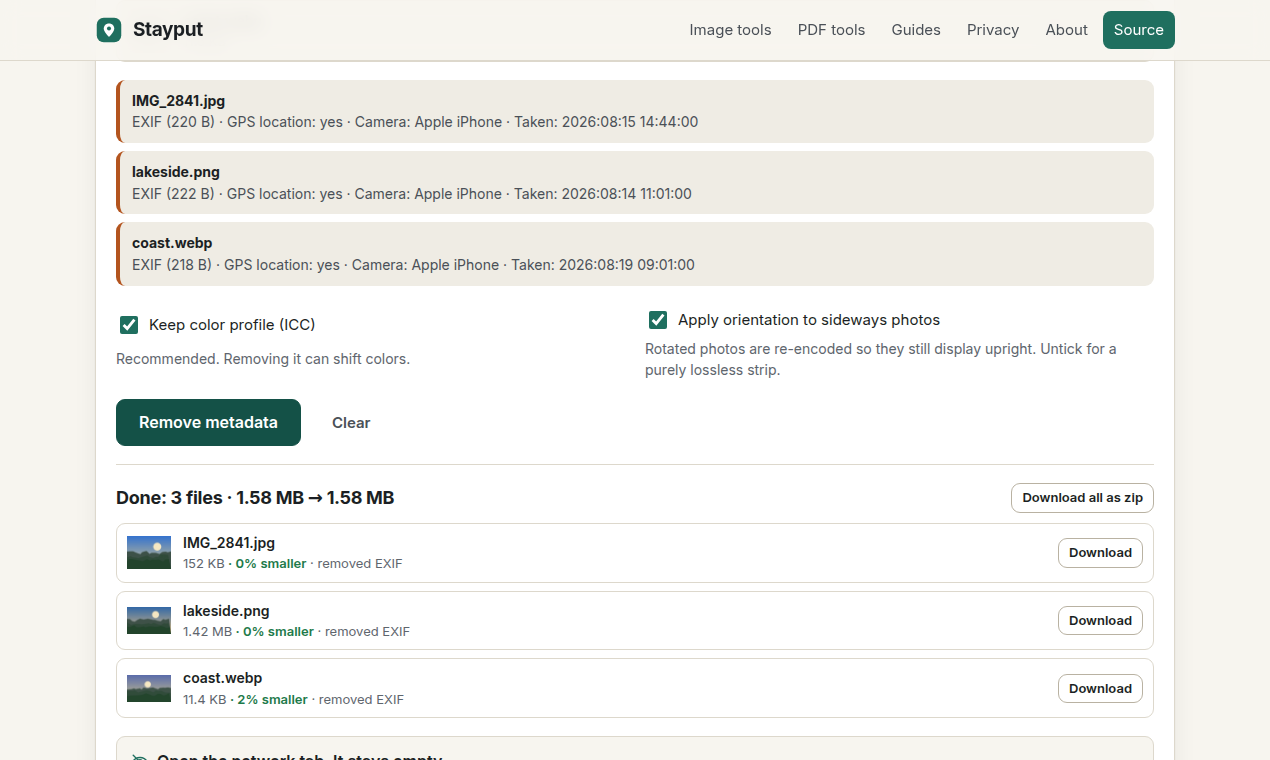
Screenshots
1270 by 760 pixels. Click one to open the full image.